
Managing resources, events, and schedules is hard. SchoolCal makes it easier.
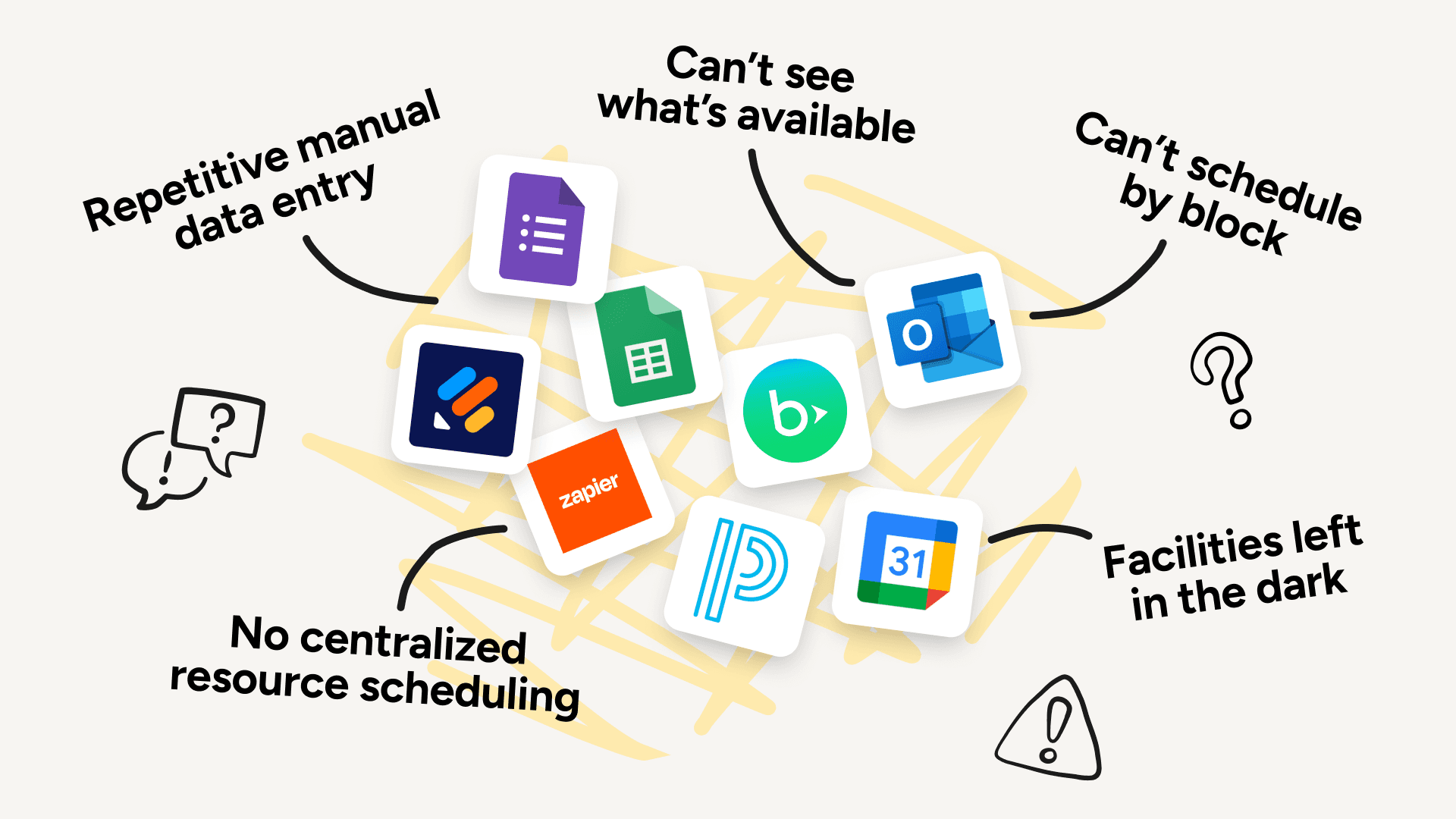
Every week, your school has to juggle resource reservations, services, events, and schedules — often with tools that weren't built for everything you need, and don't talk to each other.
So a canceled event doesn't release the gym. The facilities team scrambles to set up last-minute. You're stitching together forms, spreadsheets, and email to fill the gaps.
SchoolCal lets you manage everything — resources, services, events, and calendars — all from one place, and syncs with the tools you already use.
Improving coordination at hundreds of independent schools


























































































































































































































































































Google & Outlook workspaces
Two-way syncing to Resource, User and School Calendars
Directory Sync
Sync & auth users from your Google/Outlook directory
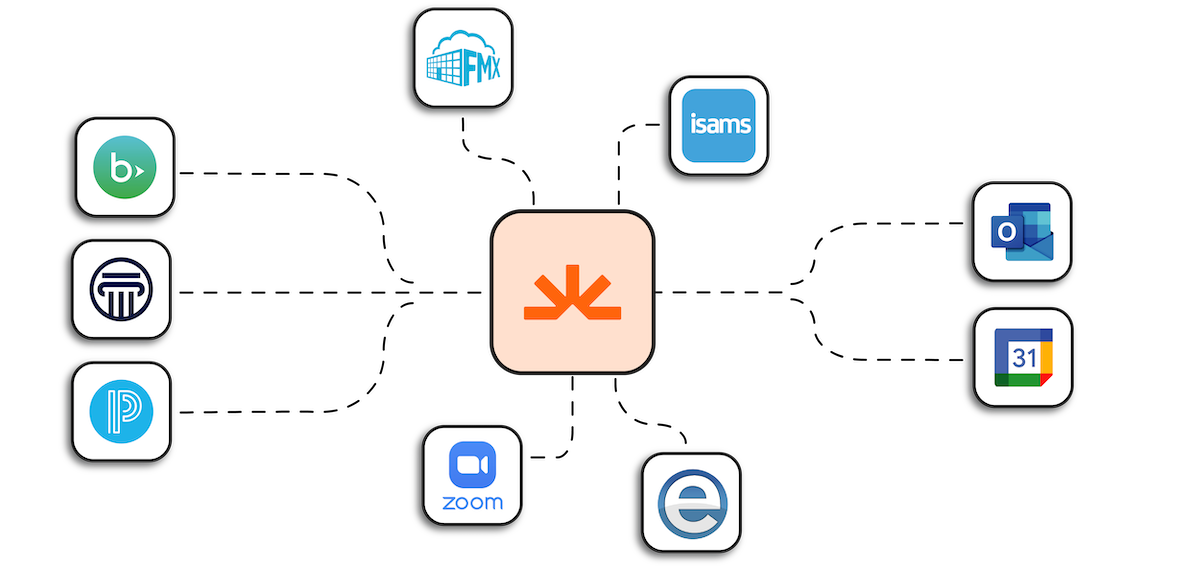
Pull data from your SIS
Pull schedules, rotations, blocks, resources, athletic events and more
Push to Veracross & Blackbaud
Push Events and Resource Reservations (Veracross only) after they're approved
Schedule on blocks & rotations
Schedule based on your school's blocks, days, cycles, or rotations
Use Zoom, Teams & Google Meet
Automatically add video conferencing links to events and calendar entries
Create & manage Resources
Create Resources for any shared “thing” you want to track availability for
Real-time availability
Let users see what resources are available before they request one
Resource rules
Allow double booking, auto-approvals, restrict by user, or limited hours
Resource requests
Allow users to reserve a resource, on its own or as part of an event
Approval workflows
Notify for new requests, remind for pending ones, and approve or reject
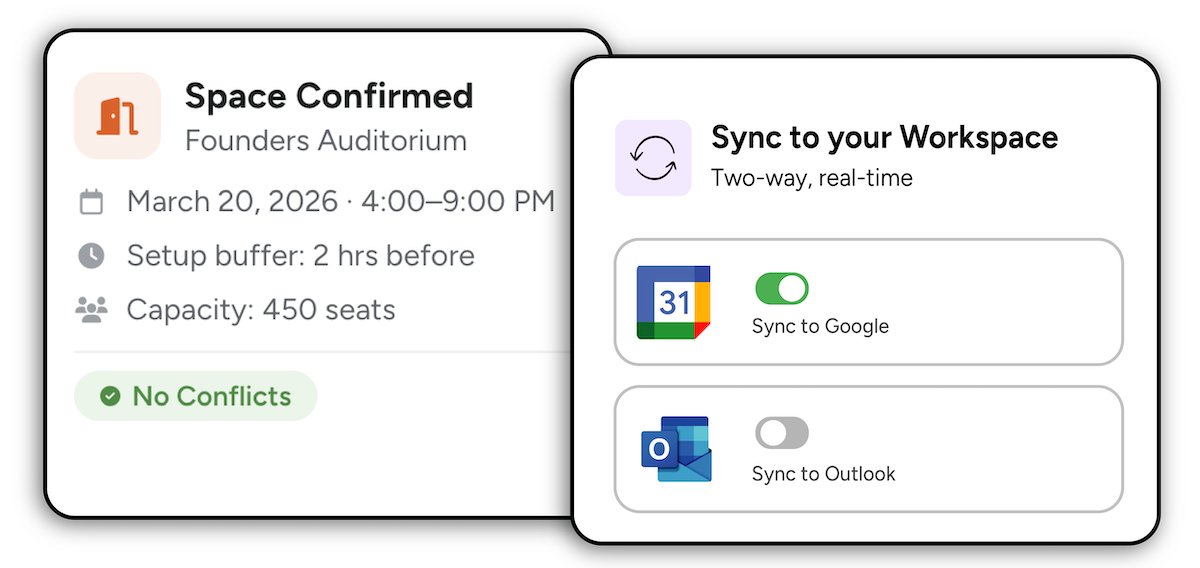
Resource calendar integration
Two-way sync Resources in SchoolCal w/ Google/Outlook Resource Calendars
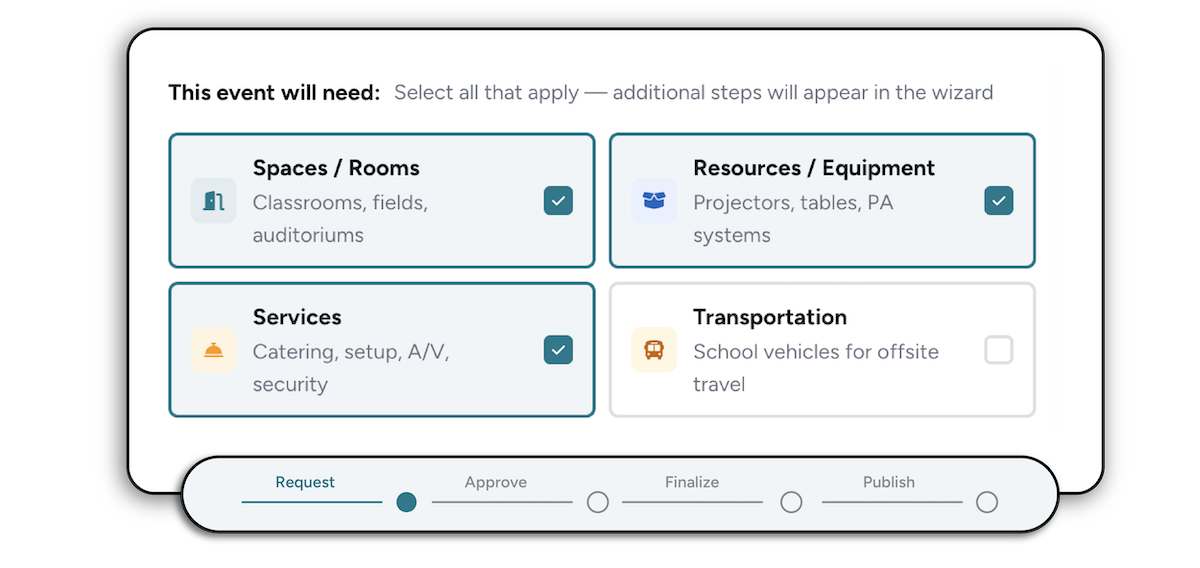
Smart Event request forms
The right fields surface based on event needs so nothing gets missed
Custom Service forms
Custom forms per department ensure complete requests before submission
Real-time Resource availability
See what resources are booked or available to avoid double-booking
School Calendar Definitions
Define calendars and admins, and route events to the right calendar
Two-way sync with Google & Outlook
Sync events to Google and Outlook with configurable field mappings
User Portal
End-users easily request events, resources, and services
Define Services & team members
Define services like catering, AV, and facilities for users to request
Custom service request forms
Drag-and-drop form builder with custom field types & conditional logic
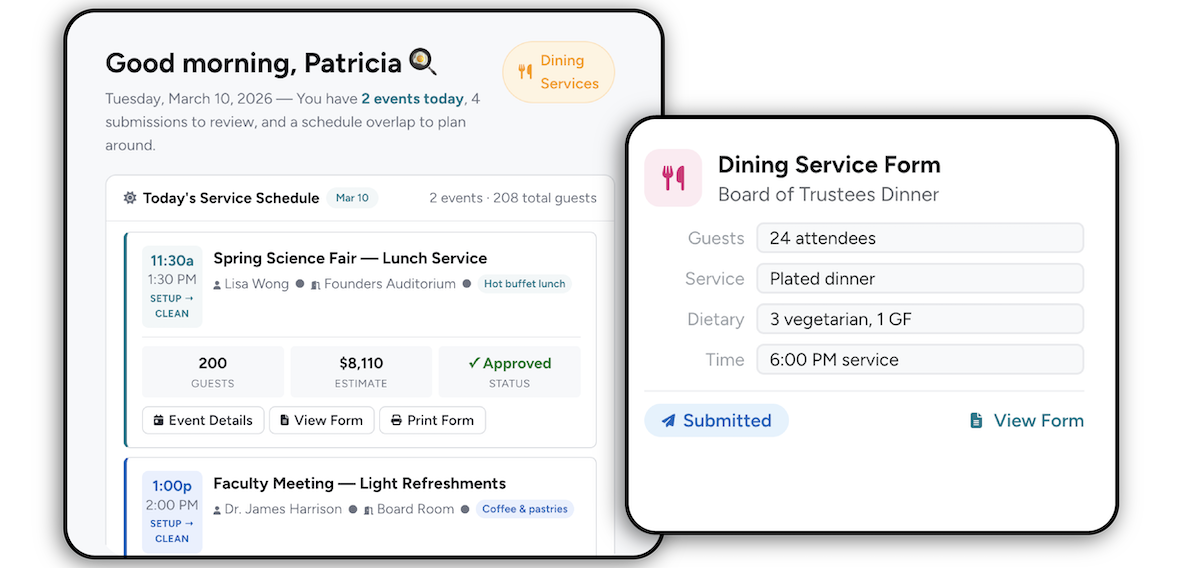
Service team dashboard
Service teams can review, approve, or clarify requests in one place
Two-way Resource Calendar sync
Book in SchoolCal or Google Resource Calendars to keep both accurate
Crew Board Fulfillment
Approved requests auto-create jobs, tasks, and crew assignments
Lead Time & Cost Configuration
Set estimated cost and lead time for each service in Admin
Sync SIS data to school calendars
Sync faculty, student & room schedules to user or resource calendars via API
Customize events
Customize titles, colors, descriptions, visibility, and guest settings
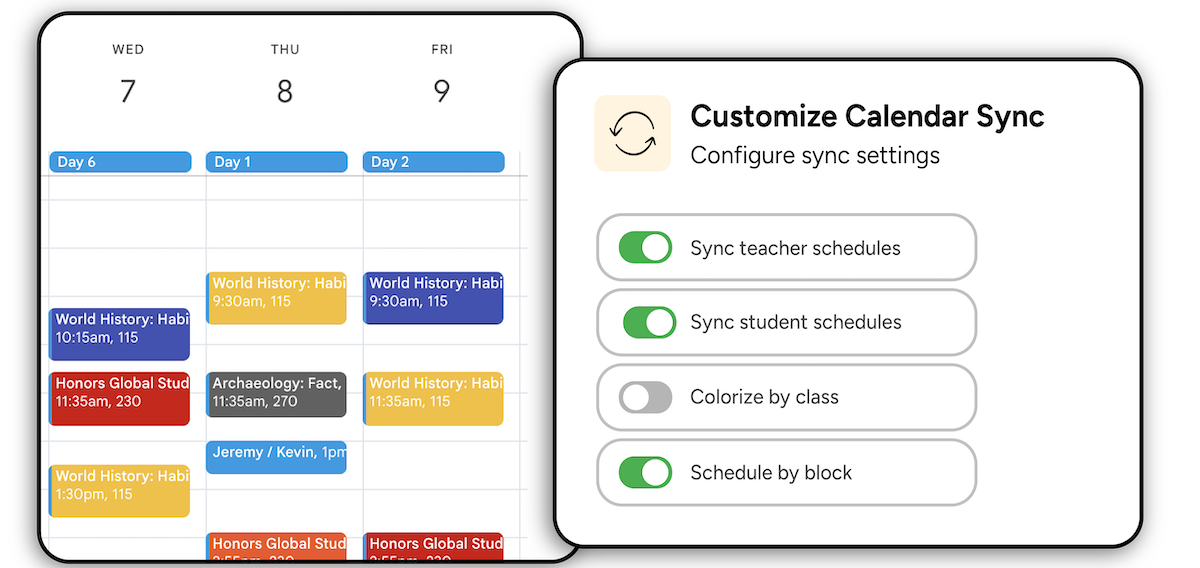
Choose sync frequency
Sync as often as every 15 minutes, or trigger a manual sync anytime
User-Specific Class Filters
Choose which classes sync, then configure filters, colors, & notifications
Notifications
Get notified when a sync job succeeds, fails, or hits an error
Push calendars to users
Automatically add shared school calendars to users' calendar lists
Notify & Get Approval From The Right People
Multi-step approval chains
Auto-route requests to the right approvers based on event details
Auto-approve timers
Set deadlines on approval steps and auto-advance if no action is taken
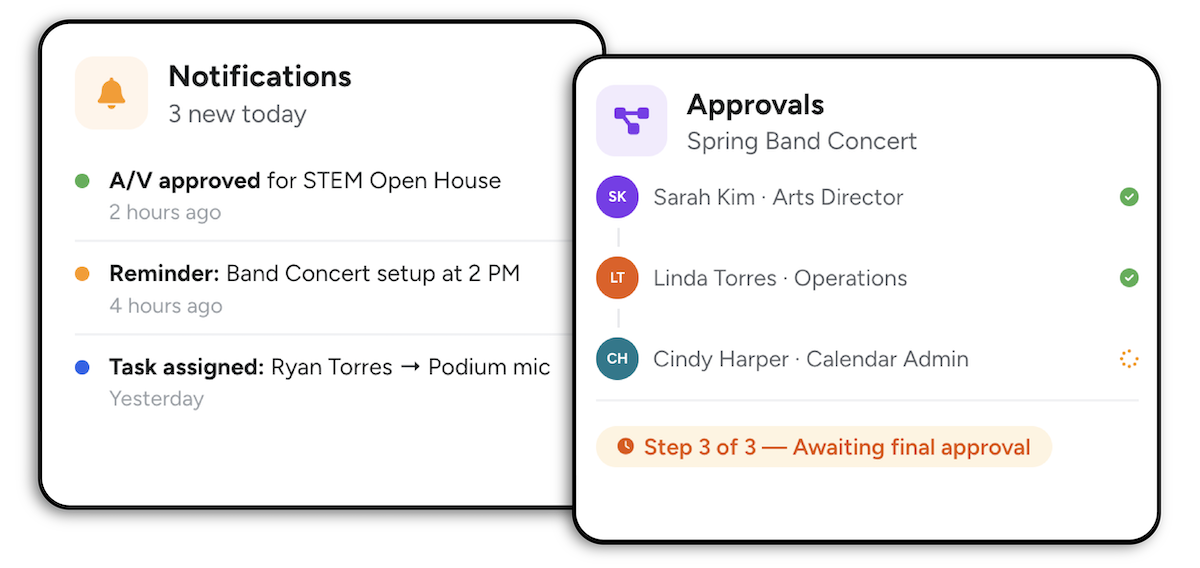
Approvals queue
Review, approve, reject, or return every pending request in one place
Automated Notifications
Notify stakeholders about approval requests, task assignments, and more
Define admin control
Granular control over calendars, categories, approvals, and publishing
Flexible approval rules
Require one approver or all — configurable per step


