
Managing resources, events, and schedules is hard. SchoolCal makes it easier.
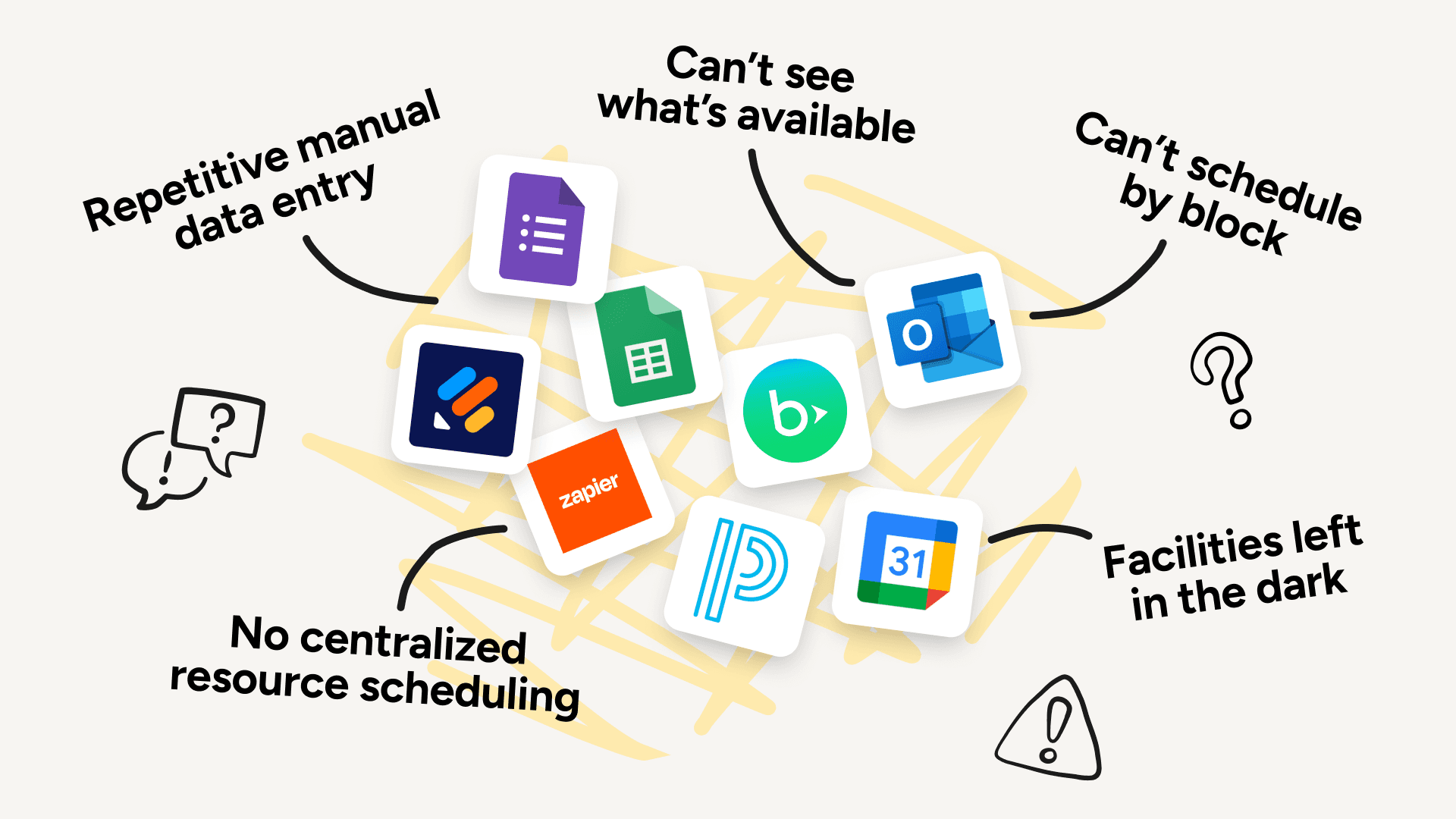
Every week, your school has to juggle resource reservations, services, events, and schedules — often with tools that weren't built for everything you need, and don't talk to each other.
So a canceled event doesn't release the gym. The facilities team scrambles to set up last-minute. You're stitching together forms, spreadsheets, and email to fill the gaps.
SchoolCal lets you manage everything — resources, services, events, and calendars — all from one place, and syncs with the tools you already use.
Improving coordination at hundreds of independent schools























































































































































































































































































































Google & Outlook workspaces
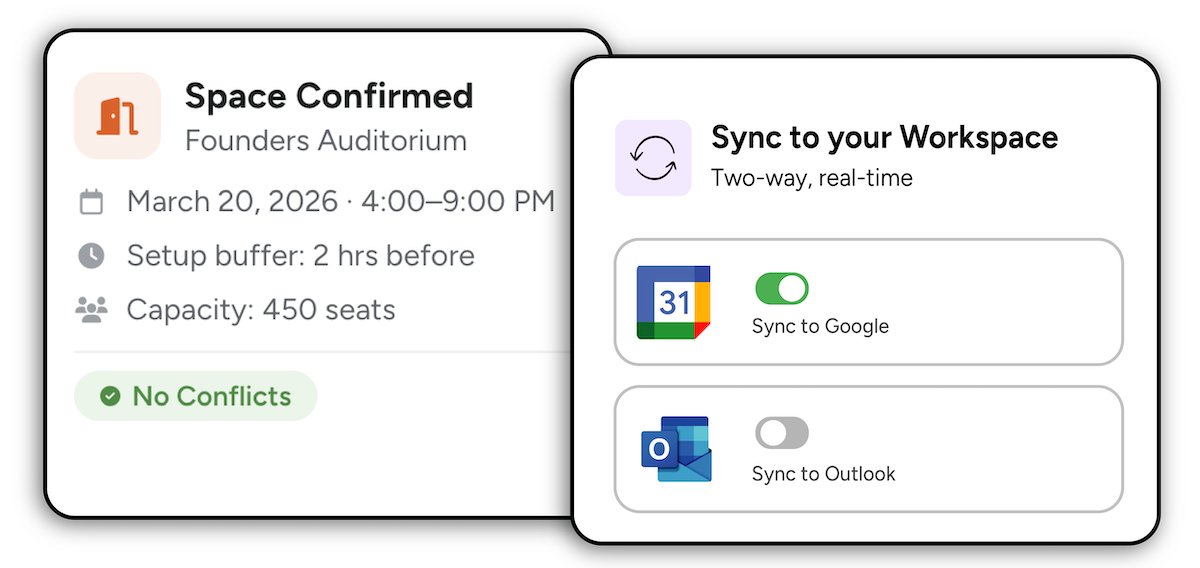
Two-way syncing to Resource, User and School Calendars
Directory Sync
Sync & auth users from your Google/Outlook directory
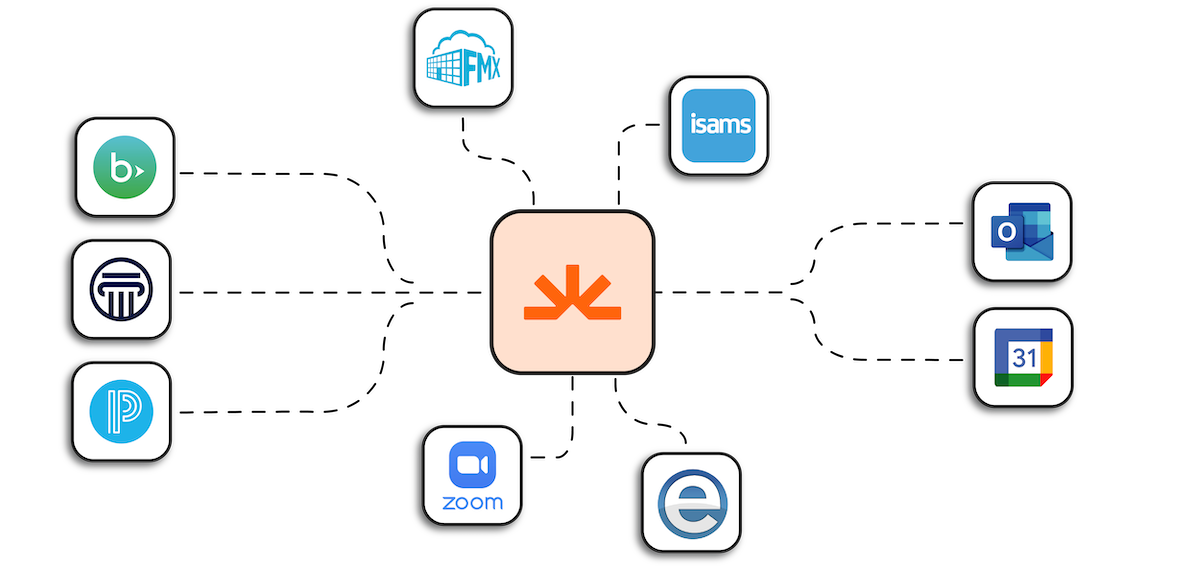
Pull data from your SIS
Pull schedules, rotations, blocks, resources, athletic events and more
Push to Veracross & Blackbaud
Push Events and Resource Reservations (Veracross only) after they're approved
Schedule on blocks & rotations
Schedule based on your school's blocks, days, cycles, or rotations
Use Zoom, Teams & Google Meet
Automatically add video conferencing links to events and calendar entries
Create & manage Resources
Create Resources for any shared “thing” you want to track availability for
Real-time availability
Let users see what resources are available before they request one
Resource rules
Allow or restrict users to request resources despite conflicts
Resource requests
Allow users to reserve a resource, on its own or as part of an event
Approve resource requests
Let admins approve, decline, or edit resource reservations
Resource calendar integration
Two-way sync Resources in SchoolCal w/ Google/Outlook Resource Calendars
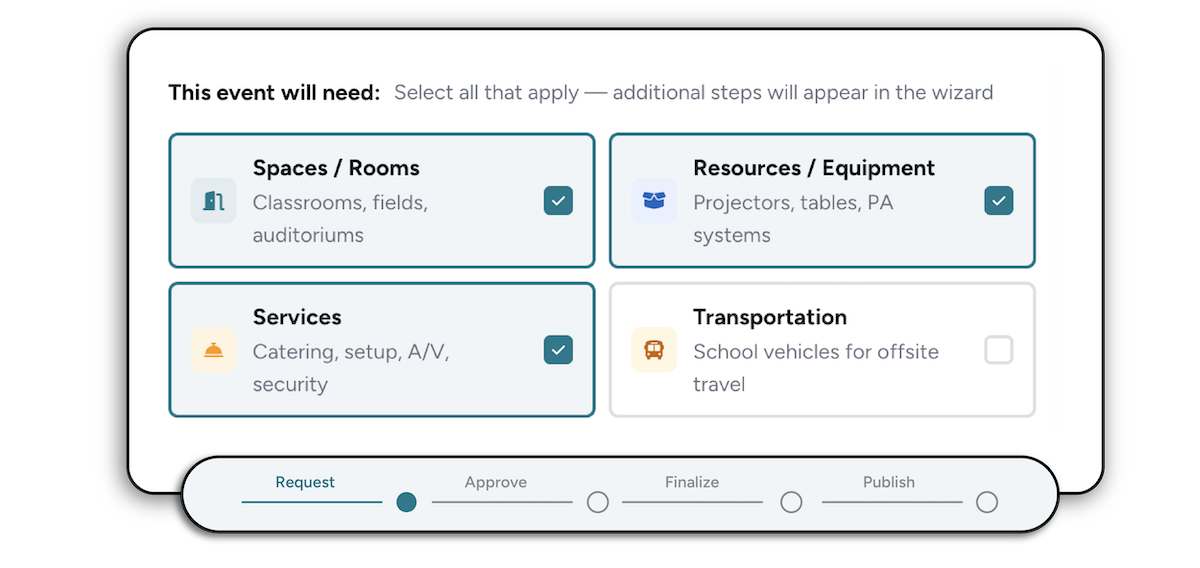
Smart Event request forms
The right fields surface based on event needs so nothing gets missed
Custom Service forms
Custom forms per department ensure complete requests before submission
Real-time Resource availability
See what resources are booked or available to avoid double-booking
School Calendar Definitions
Define calendars and admins, and route events to the right calendar
Two-way sync with Google & Outlook
Sync events to Google and Outlook with configurable field mappings
User Portal
End-users easily request events, resources, and services
Add Service Areas
Add members to their respective areas, like Dining, Facilities, Technology, and more
Define bookable services
Add all services faculty can request for their events
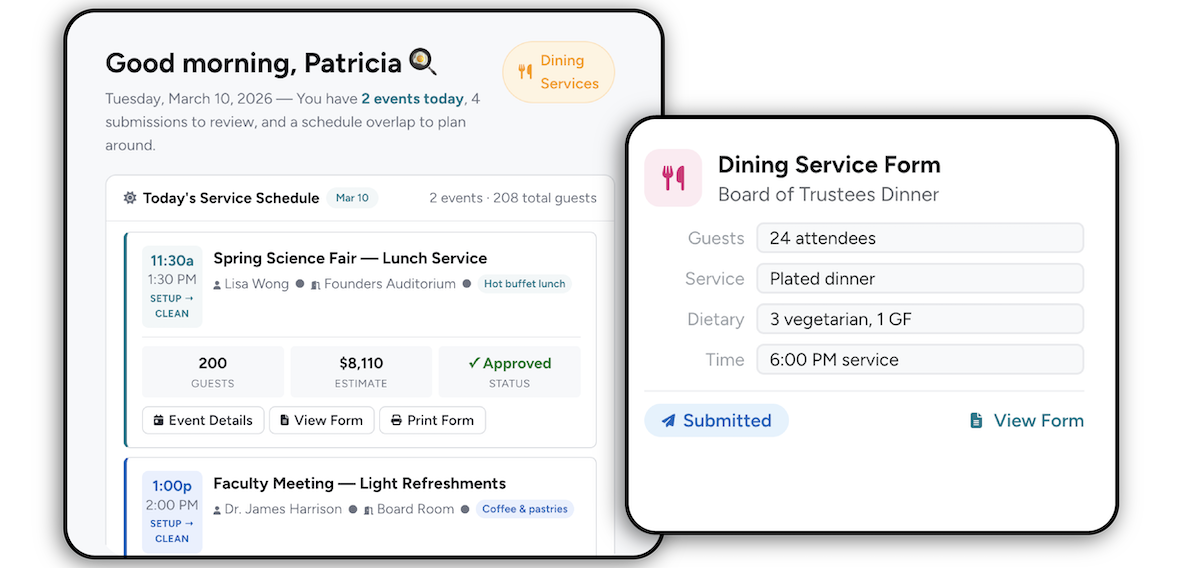
Service team dashboard
Service teams can review, approve, or clarify requests in one place
Custom service request forms
Build custom forms faculty need to fill out in order to request a service
Print service forms
Let service area members print request forms for easy reference
Change setup & teardown times
Service members can update setup & teardown times for each event
Sync SIS data to school calendars
Sync faculty, student & room schedules to user or resource calendars via API
Customize events
Customize titles, colors, descriptions, visibility, and guest settings
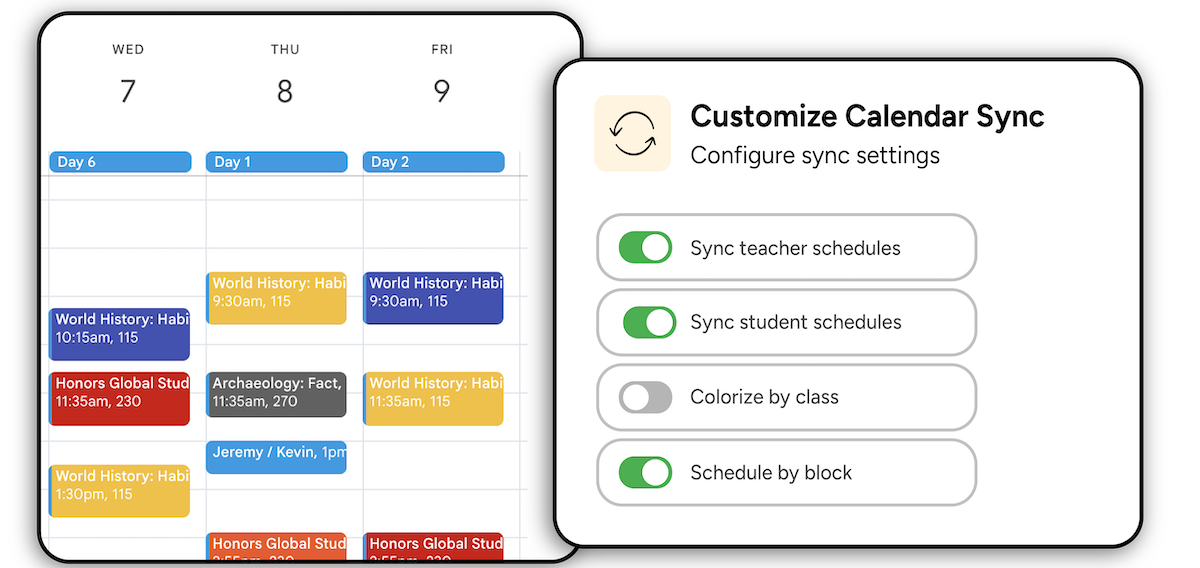
Choose sync frequency
Sync as often as every 15 minutes, or trigger a manual sync anytime
User-Specific Class Filters
Choose which classes sync, then configure filters, colors, & notifications
Notifications
Get notified when a sync job succeeds, fails, or hits an error
Push calendars to users
Automatically add shared school calendars to users' calendar lists
Notify & Get Approval From The Right People
Approval Areas
Assign groups of users to approve events, resources, and services
Activity Log
View a history of all activity on each event
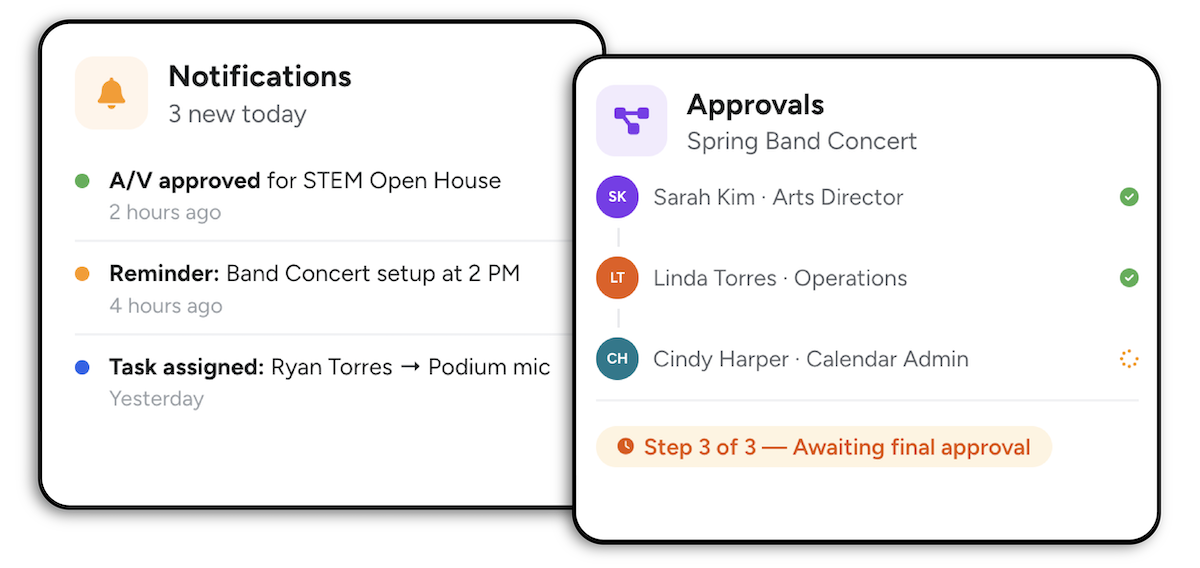
Approve via email
View and approve requests without having to log in
Approvals queue
Review, approve, reject, or return every pending request in one place
Automated Notifications
Notify stakeholders about approval requests instantly
Define admin control
Granular control over calendars, categories, approvals, and publishing

